

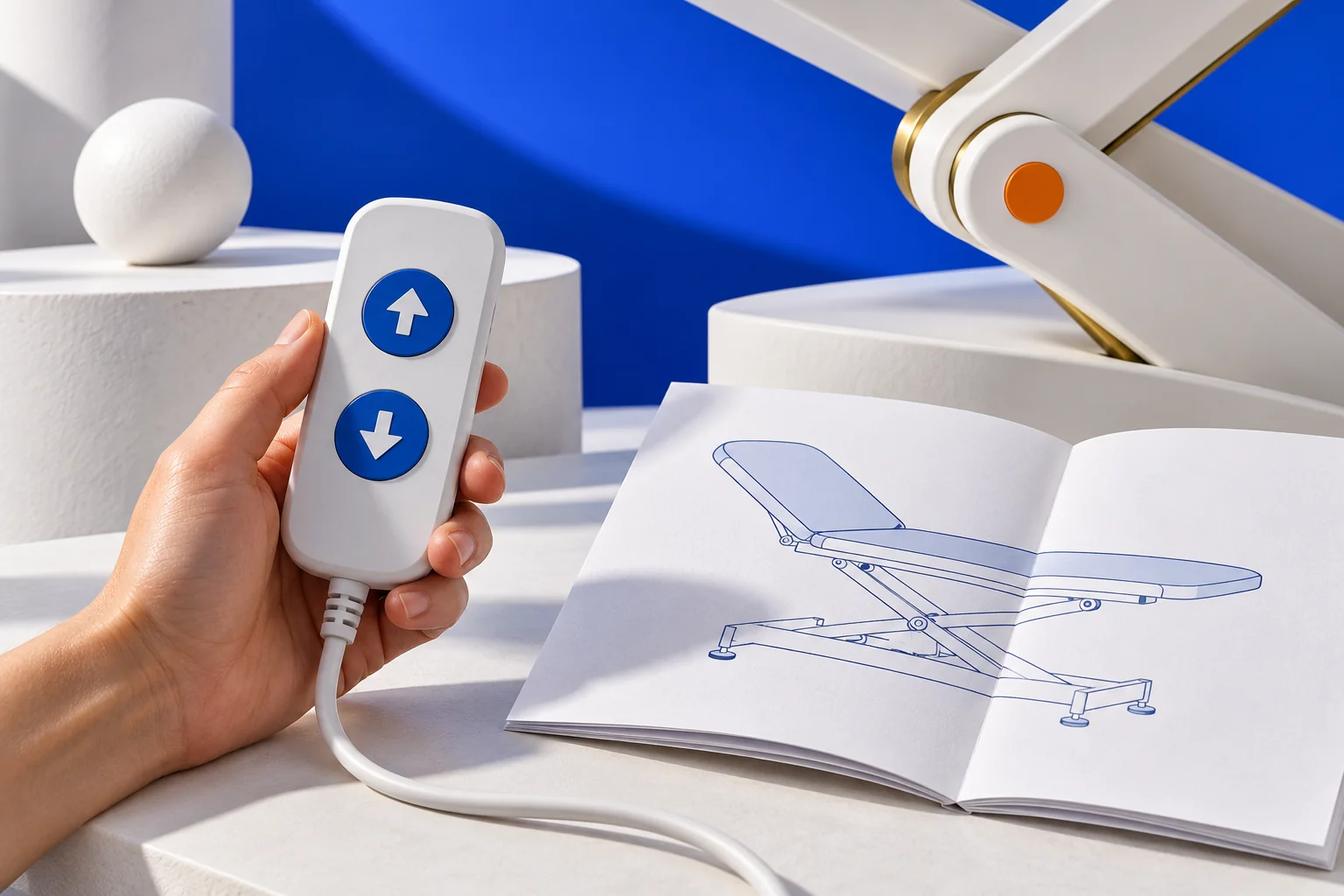
Two examination chairs can have the same height range but different adjustment controls. One requires the operator to hold a button; another can move automatically to a saved position. A separate section may need manual adjustment. Alongside dimensions and price, make time to compare how the furniture is controlled.
This is a purchasing checklist, not an operating procedure or advice on patient positioning. Manufacturer examples apply only to the named models.
Start with the movements you need
Give each movement its own row in your comparison sheet. Include height adjustment, backrest movement and leg-section adjustment where relevant. Record who will use each function, which side they will work from and when they need it. A simple tick beside “adjustable” leaves these questions unanswered.
Separate essential functions from preferences. Discuss occasional adjustments separately from movements repeated throughout a shift. An appropriately qualified professional should assess clinical suitability; the number of motors alone is not a measure of quality.
Identify how each section moves
Ask which parts are powered, which are moved manually and how their position is secured. For manual adjustments, consider access to the handle and the actions the instructions require. A broad description such as “electric chair” does not answer every question.
On the Ritter 204, the backrest is supported while the release handle is squeezed, moved manually, then locked by letting go. Ritter 204 instructions, page 8.
This example shows why the adjustment method belongs beside the adjustment range. Do not transfer the procedure to another couch because its handles look similar.
Distinguish held controls from automatic movement
Ask what happens when each button is pressed and released. For saved positions, establish who sets them, whether they can be changed and where the procedure is documented. Matching symbols on different models do not establish matching behaviour.
The cited Midmark 626 (-003, -004, -005, -006) guide distinguishes held adjustment buttons from Home, which automatically recalls a programmed position. Midmark 626 instructions, pages 20–21.
Keep separate fields for “how movement starts” and “how it stops”. Recording that a handset is included does not capture either detail.
Check access from the working position
A photograph of the controller does not show how reachable it will be beside the installed furniture. During an agreed demonstration, check whether markings are visible, the pedal is accessible and the handset has a suitable storage position. Ask whether a required accessory obstructs access.
Have the representative explain stopping and any lockout function, including what it disables and who should use it. Do not test protection by deliberately trapping objects or body parts. A competent representative should conduct the demonstration according to the manufacturer’s instructions.
Separate handset batteries from equipment backup
Ask separately about power for the controls and power for the actuators. A wireless handset does not establish that the equipment will move without mains power. Request confirmation of any backup supply, the functions it supports and its limitations.
Arjo specifies occasional short-term battery use for the Enterprise 5000X and mains connection during normal use. Arjo instructions, page 40.
For your chosen configuration, clarify charging, low-charge indications and the response to a power interruption. Do not put an assumed runtime into your plan. Any runtime claim needs confirmation together with its operating conditions.
Compare the motor duty cycle with your routine
For the listed Midmark 626 models, motor operation is intermittent: 30 seconds on, followed by 5 minutes off. Midmark 626 instructions, page 38.
That is a model-specific rating, not a universal furniture rule or an appointment duration. Describe your expected adjustment frequency to the supplier and ask them to compare it with the chosen actuator’s permitted duty cycle. Do not test its limits by continuously holding a button until protection activates.
Finish the demonstration with a short record
Instead of writing “easy to use”, record answers against the same questions for every candidate. Distinguish functions you saw demonstrated from those only described. Leave an unconfirmed point open.
- Exact model, configuration and manual revision.
- Required movements and the adjustment mechanism for each section.
- Included handsets and pedals, their position and storage.
- Starting, stopping and available lockout functions.
- Behaviour without mains power and backup limitations.
- Motor duty cycle, staff training and outstanding questions.
Put the agreed controls in the specification
Ask for the agreed control type and options to appear in the quotation rather than remaining an undefined “standard package” in correspondence. If the demonstration used a different version, obtain the differences in writing. The resulting order will reflect verified functions, and another colleague will be able to understand why that configuration was chosen.
Check load limits separately from controls: understanding medical furniture load ratings.
Sources and limitations
Primary Midmark and Arjo instructions were read and checked on 24 October 2026. Examples concern the specified models and document revisions; the check date does not establish the latest revision for every market.